
Take Attendance - Mobile (in-person tutorials)
To use the mobile attendance app, tutors will navigate to https://my.sagaeducation.org/attendance/ and log in with their Saga Connect credentials either on a tablet/phone or laptop computer.
Current and upcoming sessions are displayed in the app.
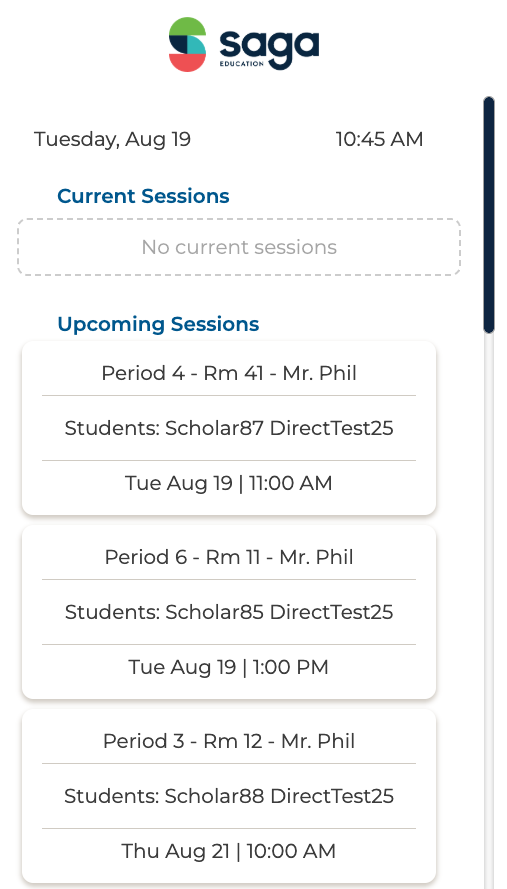
Click on a session to start taking attendance.
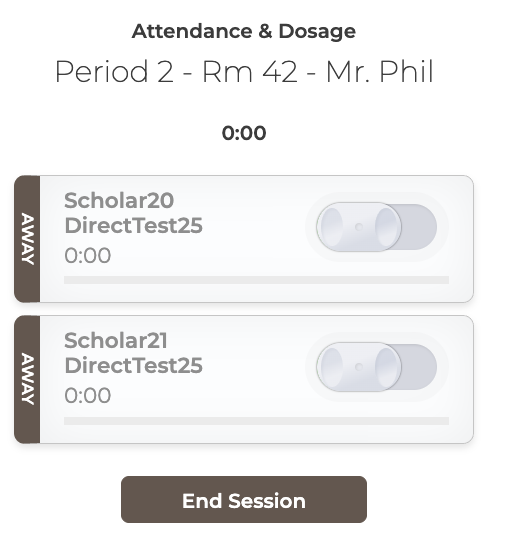
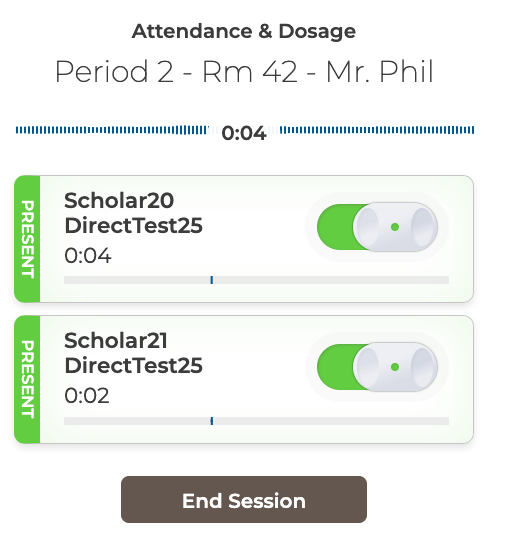
Toggle the sliders on for each student that is present.
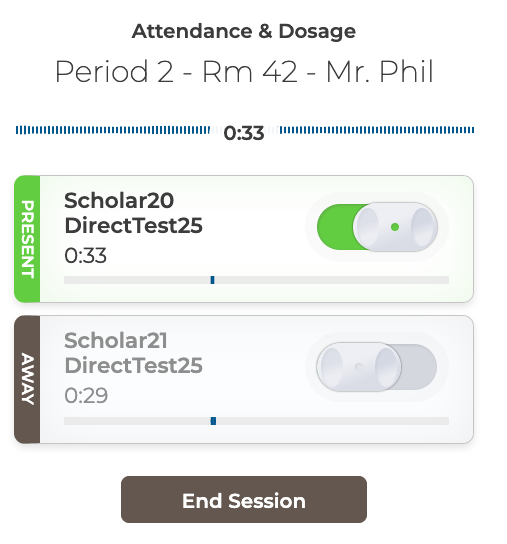
If a student steps away during class, toggle them off. Their badge will now show away status.
At the end of a session, click the End Session button to be taken to the sentiment check survey. Allow each student to input their sentiment for the session.
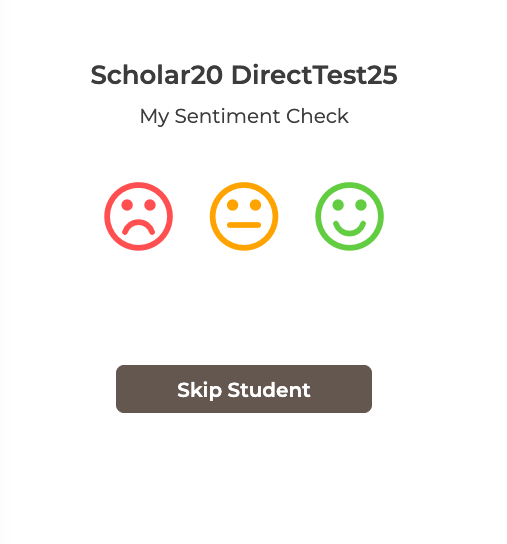
After students complete their sentiment check, the tutor can provide feedback on each student and provide a sentiment rating for the session.
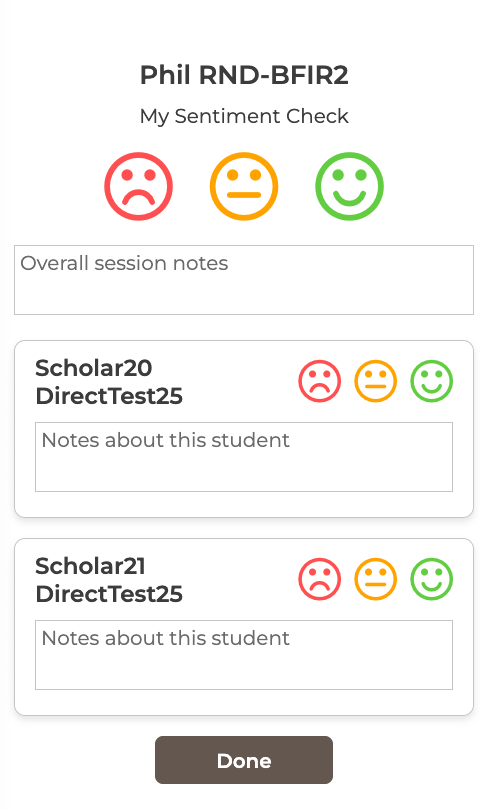
Click Done when you are finished to record attendance and sentiment data for the session.