
Continue past sessions
If you have a session you wish to have students continue, using the "Continue Session" may be helpful.
- Sign into your account
- Create a new session
-
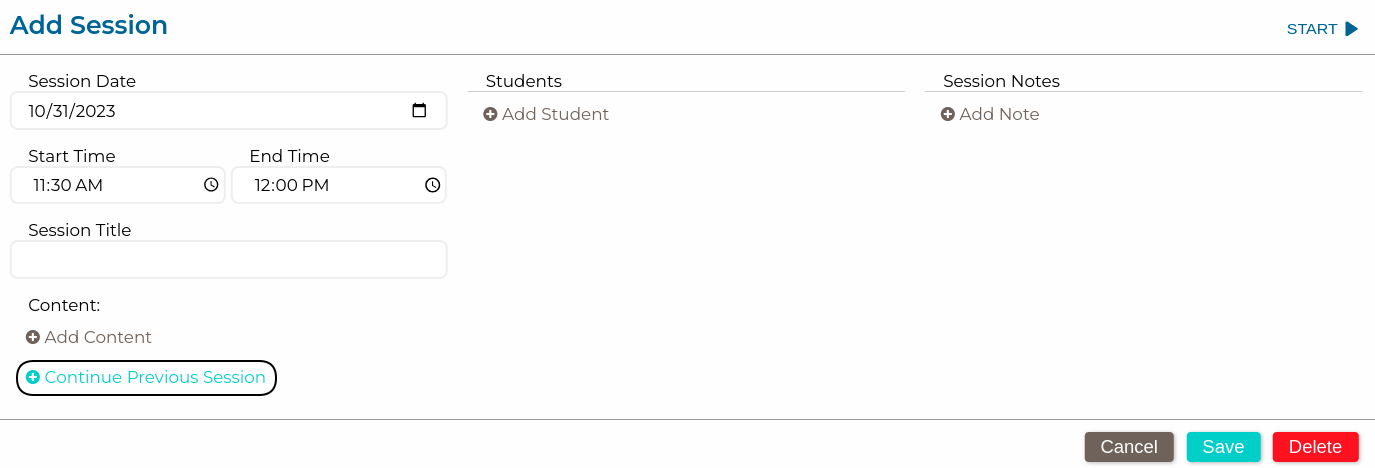
In the detail window, select "Continue Session" (see image)
-
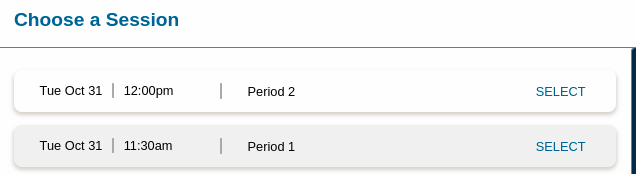
In the new window, find the session you wish to continue and click "Select" (see image)
-
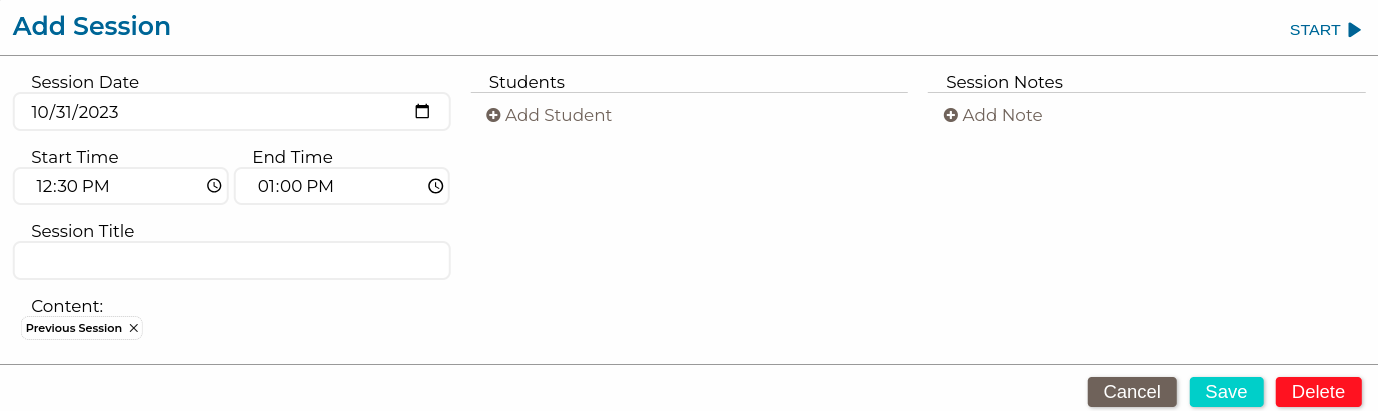
The detail window will show that a previous session has been selected. You will still need to choose the students and name the session (see image)
Here is the above information in action!